

Why Smart Categorization Matters for SMEs
Most small businesses spend hours sorting expenses manually. Automated categorization can change that — if it's built for how you actually work.
Every business is different. Learn how to tailor your categorization system to match your unique expense structure and reporting needs.


Written by
Practical, honest guidance for automating expense management and building systems that actually work for your business.
Most businesses start with standard expense categories — utilities, office supplies, travel, that sort of thing. It works fine for a while. But as you grow, you'll notice something: those generic buckets don't actually match how your business spends money.
A tech startup's software subscriptions aren't the same as a contractor's tool purchases. A consulting firm's client entertainment looks different from a restaurant's supplier costs. When your categories don't reflect your real expenses, you're left with messy data and no clear picture of where money actually goes.
That's where custom categories come in. They're not just helpful — they're essential if you want accurate financial reporting and real insights into your spending patterns.

Building custom categories takes some thought upfront, but it pays off with cleaner data and better financial decisions.
Look at your last 3-6 months of transactions. Don't categorize them yet — just list what you're actually spending money on. You might find expense patterns you weren't tracking before. A marketing agency might realize they're spending heavily on cloud services, freelance talent, and software tools. That's way more specific than just "operating expenses."
Think about which expenses directly impact your business operations, which are strategic investments, and which are fixed costs. A SaaS company might separate "customer acquisition costs" from "infrastructure" from "operations." This helps you see what's actually driving growth versus what's just keeping the lights on.
Don't make it too flat. You might have a parent category "Technology" with subcategories like "Software Licenses," "Hardware," and "Cloud Services." This gives you flexibility. You can report at the high level for board meetings and drill down for detailed analysis when you need it.
Apply your new categories to a month's worth of transactions. Does everything fit cleanly? Or do you have expenses that don't quite belong anywhere? If you find recurring items that don't fit your structure, you might need to add or adjust a category. This is normal. It's better to find these gaps now than after you've categorized a year of data.
Write down where specific vendors or expense types belong. If Slack is "communication software," make sure it always goes there. If you're using automated categorization, train it with your custom categories. Consistency matters way more than perfection. You're building a system that will work for months or years, so it needs to be maintainable.
Your categorization structure will be unique to your business. What works for a service business looks different from a product company. The framework we've shared is a starting point — adapt it to your actual needs and expense patterns. You might need different categories, different levels of detail, or different groupings based on your industry and reporting requirements.
Continue learning about expense management and automation with these related guides.
Most small businesses spend hours sorting expenses manually. Automated categorization can change that — if it's built for how you actually work.
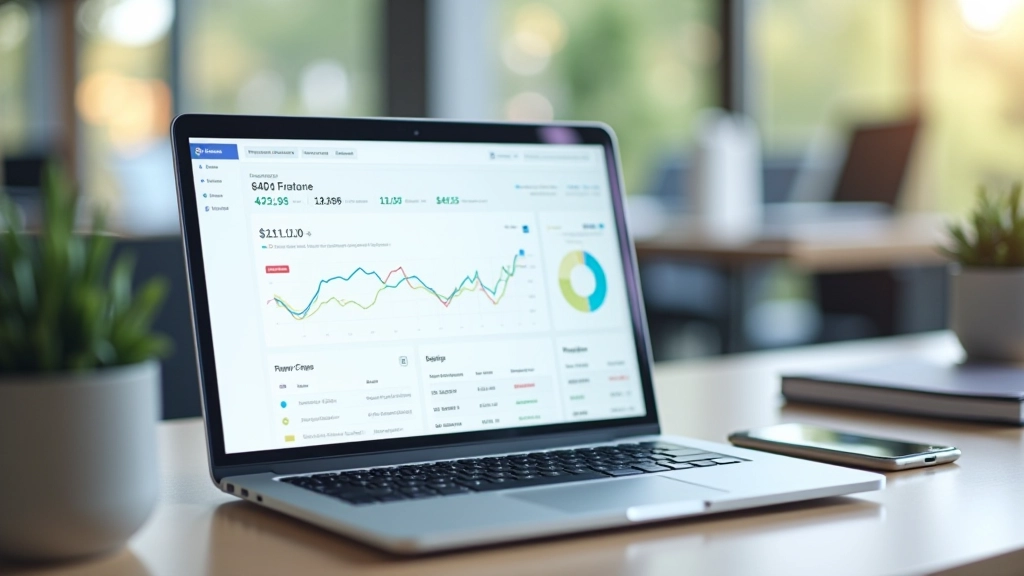
A step-by-step look at how deep learning systems learn to recognize and categorize your transactions automatically over time.

Deep learning models improve over time, but understanding how accuracy works helps you trust your automated system.
The best part about custom categories is that they're not permanent. You can adjust them as your business changes. Adding a new department? Create a new category. Shifting how you allocate spending? Reorganize your structure. The framework stays the same, but the details adapt to your actual needs.
And here's something people don't always realize: better categories make automation better. When you use custom categories that actually reflect your business, deep learning systems can learn faster and categorize more accurately. The system trains on your real data, not generic templates.

You don't need to get your categorization structure perfect on day one. Start with what makes sense for your business right now. Spend some time living with those categories, see what works and what doesn't, then refine. The process of building custom categories is actually learning more about how your business operates.
And don't underestimate the value of consistency. It's easier to maintain a system that makes sense to you than to fight with a structure that doesn't. When your expense categories match your business reality, everything else gets easier — from reporting to analysis to budgeting.
Learn how automated categorization can work with your custom structure.